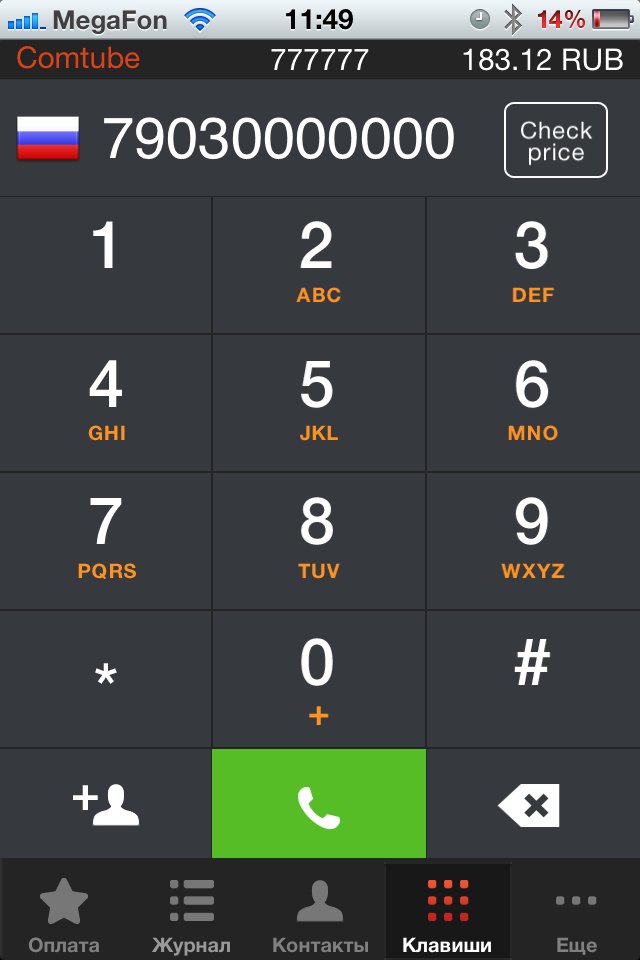
Application IP-Phone for calls all over the world on profitable tariffs (cheaper than Skype). After registration you may:
communicate inside network (free);
call over the world (from 0,33 rubles/min);
receive calls (free);
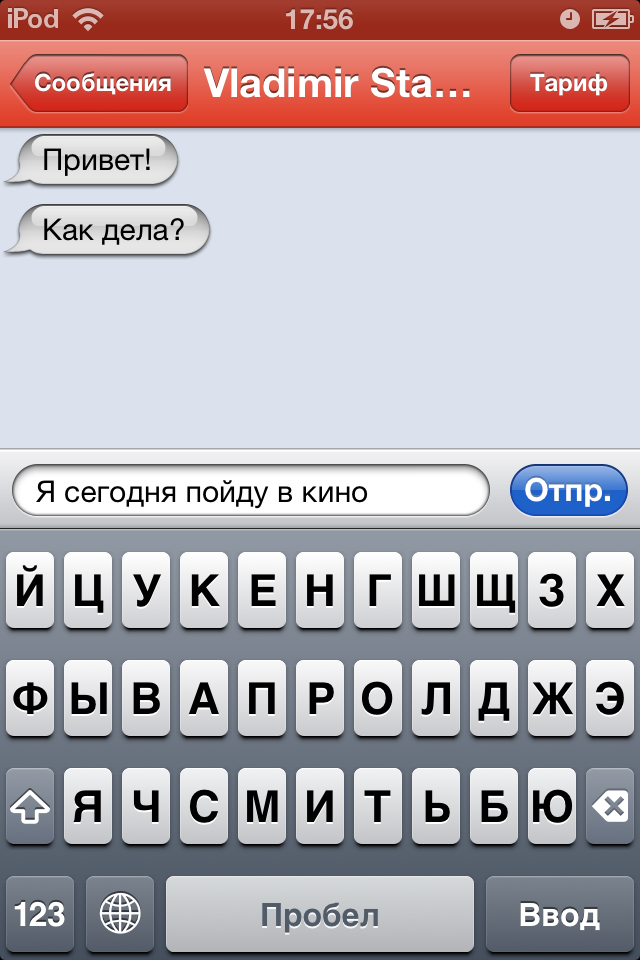
IP-SMS
IP-SMS – free application for sending text messages all over the world (using Wi-Fi, 3G, EDGE) via new operator Comtube (you do not need to pay for text message to your mobile operator).
If you have some notices concerning instructions or you saw mistakes you should write to us on support@comtube.com.